

As a woman entrepreneur, your task list never really ends it just keeps growing. You’re juggling your business, your clients, your home, and your life. And when everything feels urgent, it’s hard to know where to start… so you either try to do it all (and burn out) or freeze up and do nothing.
But here’s the truth: you don’t need more hours in the day, you need a system to help you make better, faster decisions about what actually deserves your time.
Last week, we introduced you to the idea of the 4Ds of Productivity, a simple framework to help you triage every task on your list:
✔️ Do
✔️ Defer
✔️ Delegate
✔️ Delete
Today, we’re showing you exactly how to use this system to get clear, stay organized, and reclaim control of your time.
And yes, of course Women’s Council of Entrepreneurs has created a printable AND digital worksheet to make this easier for you!
Why the 4Ds Work (Especially for Small Business Owners)
When you’re running a business (and a life), every decision you make costs time and energy. Constantly deciding “What should I do next?” drains you—even before the work starts.
The 4Ds cut through that noise.
By putting every task into one of these four categories, you’ll know immediately:
✔️ What to do now
✔️ What to do later
✔️ What to hand off
✔️ What to let go completely
This isn’t about doing more. It’s about doing less, on purpose, and doing it well.
How to Use the 4Ds of Productivity
First, download WCE’s Organizing Daily Tasks Worksheet to follow along.
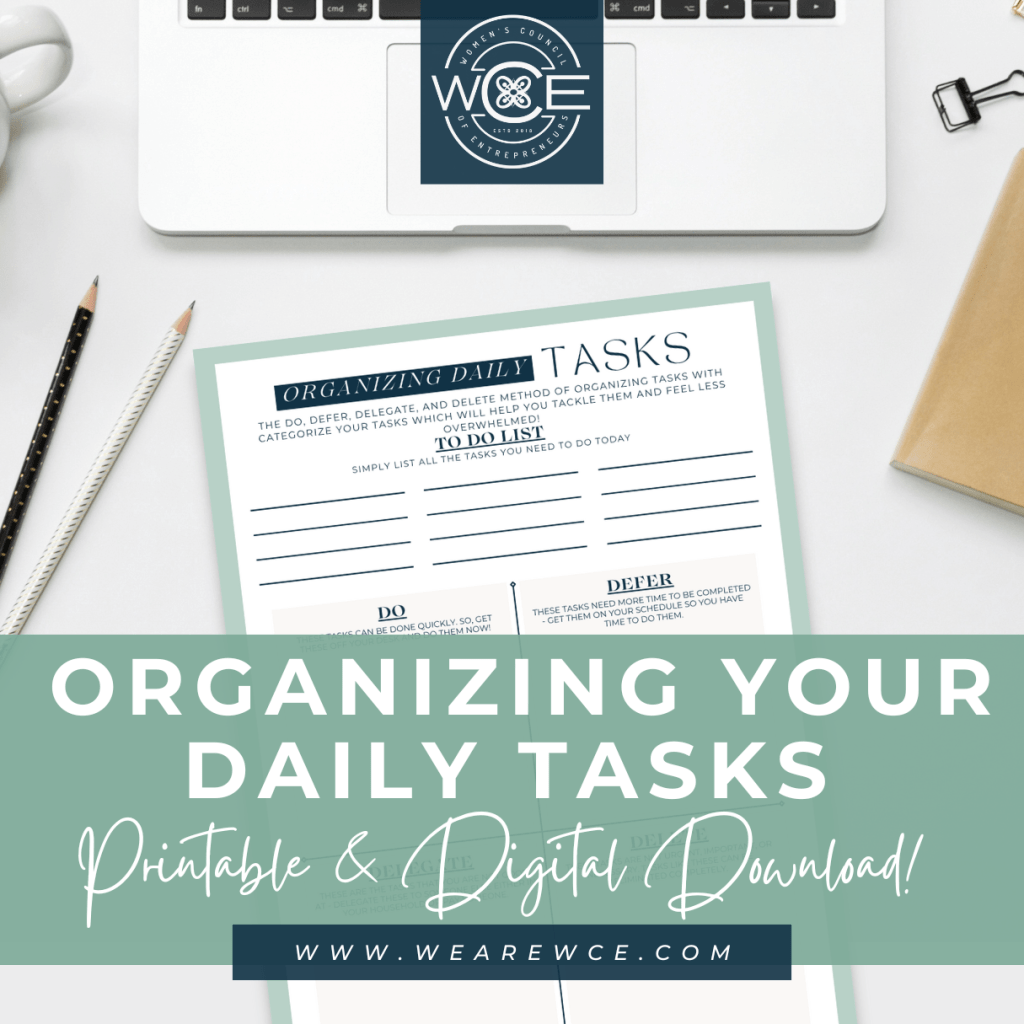
Once you’ve downloaded the worksheet, list everything you need to do today or this week (business tasks, home tasks, personal errands) get it all out of your head and onto paper.
Next, sort each task into one of these 4 categories:
1. Do
These are the quick, small tasks that take 5 minutes or less or are urgent and must be done by you, now.
Examples:
✔️ Responding to a client email
✔️ Confirming a meeting time
✔️ Creating your Marketing plan
✔️ Finalizing pricing or offers for an upcoming launchl
2. Defer
Tasks that need to get done—but not right now. Schedule these on your calendar to revisit later.
Examples:
✔️ Planning next month’s blog content
✔️ Reviewing quarterly financials
✔️ Researching new tools for your business
Tip: Block time on your calendar for these so they don’t get lost.
3. Delegate
Tasks that someone else can do—either a person (like a VA or intern) or a tool (like AI or automation).
Examples:
✔️ Social media scheduling (VA or Later app)
✔️ Customer service FAQ emails (AI chatbot or canned responses)
✔️ Bookkeeping (accountant or QuickBooks automation)
Remember, delegation doesn’t always mean hiring – it can also mean setting up tech to do the job for you!
4. Delete
Tasks that simply don’t matter or don’t need to be done at all. These clutter your list and your brain.
Examples:
❌ Checking website stats daily
❌ Signing up for a webinar you don’t have time for
❌ Over-perfecting Canva graphics that are “good enough”
If it doesn’t move your business or life forward it’s okay to let it go.
Why This System Works Best When You Stick With It
The 4Ds system isn’t a one-time fix, it’s a daily or weekly habit.
The more you use it, the faster your brain will get at instantly categorizing tasks. Soon, you’ll stop wasting time and start acting on what matters naturally.
We recommend:
✔️ Using the 4Ds Worksheet every morning at first or at the end of each workday to sort tomorrow’s list
✔️ Being honest with yourself about what to delegate and delete – this is where real freedom happens
✔️ Using your new systems (from last month) to make delegation possible
Bonus Tip: Let AI Help You Defer, Delegate, and Even Delete
As we covered last week, AI tools like ChatGPT, Jasper, and Canva AI can help you:
✔️ Draft emails, posts, and newsletters (delegate to tech)
✔️ Research and summarize info (defer with a plan)
✔️ Identify outdated or unnecessary content (delete clutter)
AI is your silent assistant band part of using the 4Ds smartly is knowing when software can take the load off your shoulders.
When you start filtering every task through the 4Ds (Do, Defer, Delegate, Delete) you free up your brain, protect your energy, and make room for the work that truly moves your business forward.
Download the worksheet. Try it today. The clarity you’ll feel is worth it.
If you found this helpful you can discover more tips, downloads, and articles HERE. You can also become a member of WCE and get access to all of our downloads and resources instantly with free networking & mastermind events! And if you’re not in the Houston, Texas area we have a membership just for our education and resources! Learn more by clicking the button below:
If you are not subscribed to WCE’s newsletter you need to ASAP! Our newsletters are filled with inspiration, resources, and downloads that go straight to your inbox every week!

 WCE Small Business Resources