

Last week, we talked about the four key areas in your business that need systems first—like client onboarding, content creation, finances, and customer communication. Now that you’ve identified where to start, it’s time to roll up your sleeves and actually build (or rebuild) your first simple system.
Remember: building systems doesn’t have to feel overwhelming or complicated. It’s really just about documenting and improving the things you already do on a regular basis so they become easier, faster, and more consistent every time you do them.
What is a Business System?
According to Forbes:
“A business system is a documented procedure that outlines how to do something in your organization to achieve your business goals.”
In simple terms, a system is just a smart shortcut. A way to make sure tasks get done the right way, every time, without stress or guesswork.
You can build systems for many parts of your business: client care, marketing, finances, operations, and more. Doing this saves time, reduces mistakes, and even makes it easier to train new team members when the time comes.
Let’s go through 5 steps you can use to create an efficient system for any recurring task in your business. Plus, we have a downloadable worksheet to make this process even easier to follow.
5 Steps For Building Efficient Systems for Your Business
1. Identify Recurring Tasks in Your Business
This seem obvious, but start by choosing one task that happens regularly in your business. This could be something in your client onboarding, content planning, admin tasks, or customer communication (as we covered last week).
Pick something you know you repeat often or that often feels disorganized.
Once you’ve chosen, write it down and move to the next step.
2. Document the Current Process for That One Task
Take a moment to walk through how you currently handle this task, step by step. What exactly happens from start to finish? Consider each individual’s role and responsibility in the process.
This step is important because it reveals unnecessary steps, mistakes, or areas you tend to forget. By documenting every detail, you can identify redundancies and inefficiencies that might be costing you time and resources. This documentation can also serve as a valuable training resource for new team members, ensuring consistency and quality in task execution.
Remember to be honest and detailed – this is for you to better your process and business you are transforming this task into a more efficient and effective part of your operation.
3. Identify Areas for Improvement
Now look at the process you’ve just documented. Are there steps you can automate? Take a moment to evaluate each part of your workflow. For instance, are you manually typing the same email over and over again? This can be a significant time drain, and recognizing these repetitive tasks is the first step in finding a solution.
Consider whether setting up automation tools could streamline these processes. Tools such as email templates can drastically reduce the time spent on routine communications. By creating a template for common emails, you can personalize them without starting from scratch every time. This not only saves time but also ensures consistency in your messaging.
Could a checklist or template make this faster? Developing a checklist for your routine tasks can help you stay organized and ensure that you don’t overlook any crucial steps. Templates can also be useful in standardizing reports, meeting agendas, or project outlines, making it easier for you to replicate successful strategies without the hassle of starting from zero. WCE has lots of downloads that can help you streamline your workflow, so you don’t need to reinvent the wheel!
Even small tweaks can save time and sanity.
4. Create a New Process Checklist
Once you’ve pinpointed what needs to be improved, it’s time to create a clear, streamlined checklist for how you want the task to be done moving forward. This updated version should reflect your ideal workflow—whether that includes automation, templates, or simply a more efficient order of steps. Write it out in a way that’s easy for someone else to follow, with notes on where to find any relevant files, templates, or tools. Think of it as a simple guide that ensures the task can be completed consistently and correctly, even if you’re not the one doing it.
5. Monitor and Adjust as Needed
No system is perfect the first time. As you use this new checklist, keep notes on what works and what doesn’t. Adjust along the way until this process feels smooth and automatic. Remember, it’s important to be patient with yourself during this transition. With each iteration, you’ll discover more effective strategies that enhance your workflow and improve productivity.
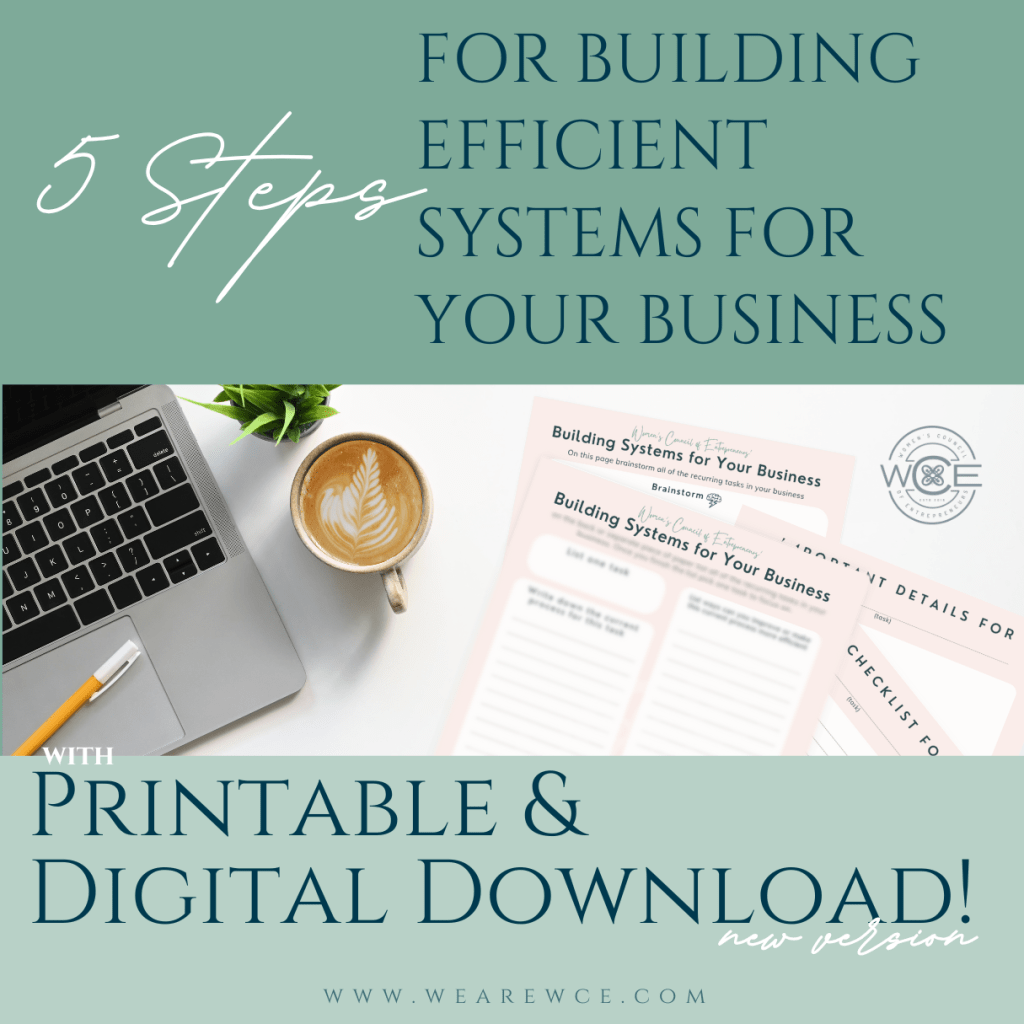
To simplify the process even further, you can download Women’s Council of Entrepreneurs’ Building Systems for Your Business Worksheet. This handy tool will guide you through these five steps, allowing you to keep all your documents organized in one location, whether digitally or in physical copies.
You can use this worksheet as many times as you want – for every new system you create!
Once you begin building simple systems like this, you’ll notice something powerful: you don’t have to do it all yourself. These systems make it easier to eventually hand off tasks to a virtual assistant, team member, or anyone you delegate to in the future.
If you found this helpful you can discover more tips, downloads, and articles HERE. You can also become a member of WCE and get access to all of our downloads and resources instantly with free networking & mastermind events! And if you’re not in the Houston, Texas area we have a membership just for our education and resources! Learn more by clicking the button below:
If you are not subscribed to WCE’s newsletter you need to ASAP! Our newsletters are filled with inspiration, resources, and downloads that go straight to your inbox every week!

 WCE Small Business Resources